
- LIFESTYLE
- FASHION
- FOOD
- ENTERTAINMENT
- EVENTS
- CULTURE
- VIDEOS
- WEB STORIES
- SPORTS
- GADGETS
- CAR & BIKE
- TRAVEL
- SOCIETY
- GALLERIES
- NORTH EAST
- INDULGE CONNECT

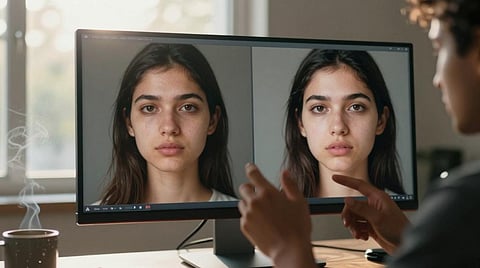
Artificial intelligence has made it easier than ever to create highly realistic images, making it increasingly difficult to tell whether a picture is genuine or AI-generated. While no detection method is foolproof, tools such as OpenAI's image verification feature and Google's Gemini can help users make an informed assessment.
One simple way to check an image is to first take a screenshot of it. Using a screenshot instead of copying the image directly can make it easier to upload the visual for analysis, especially if the image comes from a social media platform or messaging app.
Next, visit OpenAI's image verification page at https://openai.com/research/verify/ or open Google Gemini. Both platforms allow users to upload an image and ask questions about it.
Once the screenshot has been uploaded, use the verification feature and ask a prompt such as, "Is this an AI-generated image?" The AI model will analyse the visual and provide its assessment within seconds.
The response typically explains whether the image appears to have been created using AI or if it is more likely to be an authentic photograph. In some cases, the tool may also point out visual inconsistencies, editing artefacts or other indicators that influenced its conclusion.
It is worth noting that no AI detector can guarantee 100 per cent accuracy. Sophisticated AI-generated images and heavily edited real photographs can sometimes produce uncertain or incorrect results. For that reason, it is best to use these tools as one part of a broader fact-checking process, especially when verifying viral images or content shared on social media.
If the image could have significant real-world consequences, for example, in news reporting, legal matters or public safety, it is advisable to cross-reference the findings with trusted sources, reverse image search tools and the original context in which the image first appeared.
For more updates, join/follow our WhatsApp, Telegram and YouTube channels.