
- LIFESTYLE
- FASHION
- FOOD
- ENTERTAINMENT
- EVENTS
- CULTURE
- VIDEOS
- WEB STORIES
- SPORTS
- GADGETS
- CAR & BIKE
- TRAVEL
- SOCIETY
- GALLERIES
- NORTH EAST
- INDULGE CONNECT

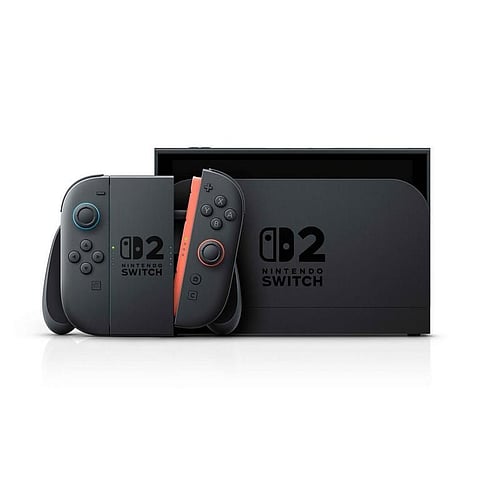
With the Nintendo Switch 2 set to launch on June 5, 2025, there's a growing buzz about online safety and connectivity, especially among users eager to connect their console to a VPN. So, can you actually use a VPN with the Nintendo Switch 2? The quick answer is: not directly, but there are some workarounds.
The Nintendo Switch 2 doesn’t support VPNs natively, which means you can’t just download a VPN app and start gaming securely right away. But don’t worry! You can still keep your Switch 2 safe by using a VPN on your Wi-Fi router or by setting up a virtual router through your PC.
If you set up a VPN on your router, it will automatically protect all devices connected to your home network, including your Switch 2. Alternatively, you can create a virtual router on your Windows 11 PC. This involves a few extra steps, such as enabling mobile hotspot sharing, identifying your VPN adapter, and connecting it to the new hotspot.
Keep in mind that while this method is effective, it can be a bit tricky for those who are new to it and might require some troubleshooting. Plus, if you're using a Mac, creating a virtual router is a lot more complicated because it doesn’t support dual Wi-Fi.
So, why go through all this trouble? A VPN can help you avoid ISP throttling, protect against DDoS attacks during competitive gaming, and even access geo-restricted content. Just a heads up: using a VPN to access restricted content might violate the console’s or game’s terms of service, so be sure to use it wisely.
For gamers who prioritise security and performance, setting up a router VPN is currently the best way to keep the Nintendo Switch 2 safe online.